



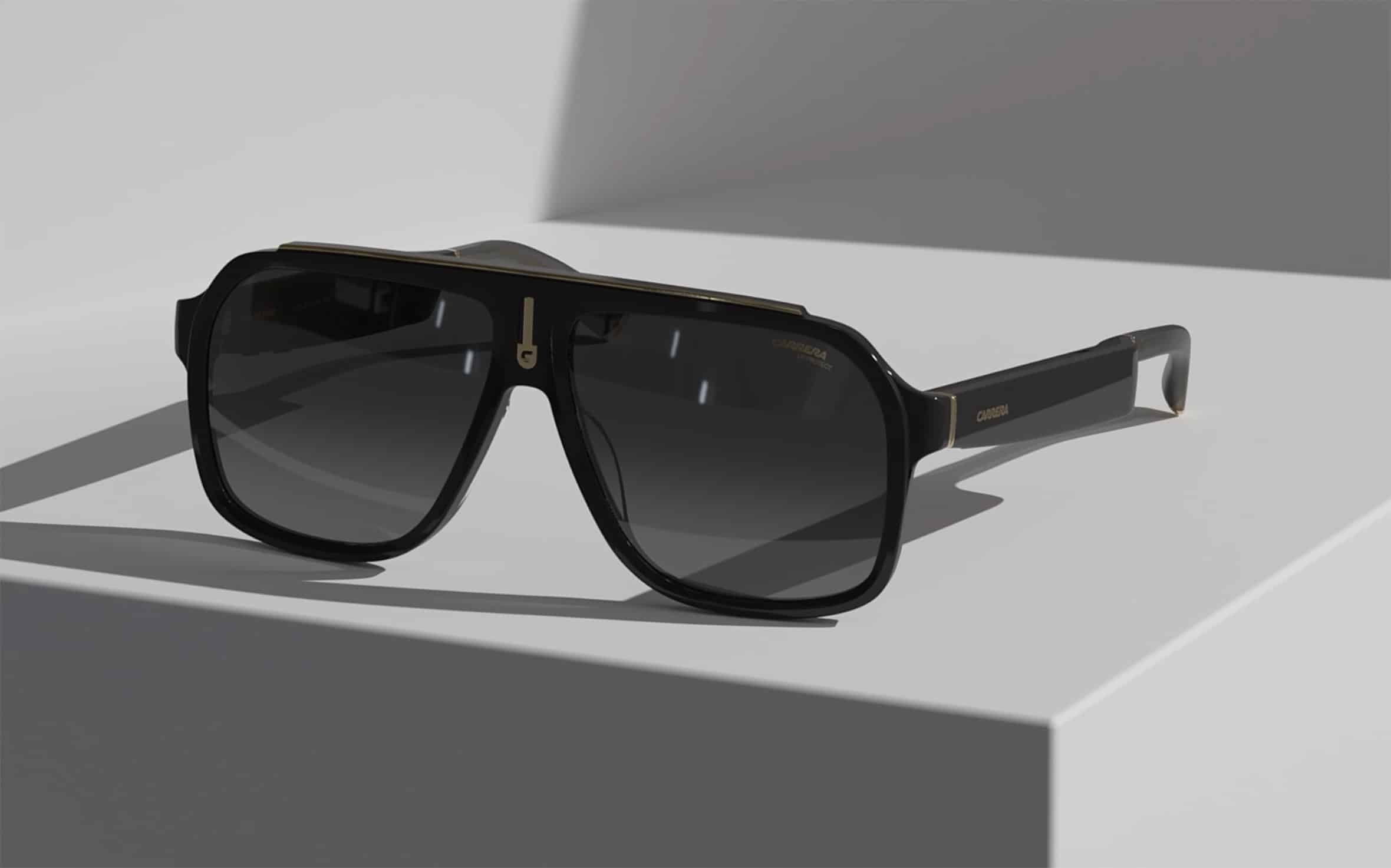
The Echo Frames and Carrera Smart Glasses, recently launched by Amazon, offer users a hands-free way to seamlessly integrate Alexa into their daily lives. This collection, blending high-end fashion with Alexa AI, introduces seven new designs crafted from premium materials. Enhancements include an extended battery life allowing for up to six hours of continuous media playback, an overhauled audio system delivering three times more bass than its predecessor, and an upgraded open-ear audio technology that optimally directs sound to the wearer’s ears while minimizing external noise.
These smart glasses are designed to effortlessly integrate into various aspects of one’s life, whether it’s for listening to music or podcasts, controlling smart home devices, enhancing productivity, or facilitating communication with loved ones—all without the need for hands-on interaction. Whether you’re a newcomer to smart eyewear or a seasoned Echo Frames user, here are some key tips to make the most of your new smart glasses:
Ensure a Comfortable Fit: Before diving into the functionalities, it’s essential to make sure the glasses fit comfortably on your nose and around your ears. Manual adjustments to the temple tips can be made, and for more precise fitting, a visit to a local optician may be necessary.
Add Prescription Lenses: If you require prescription lenses, connect with your preferred eyecare provider. The store finder feature can help you locate a local provider, and the provided instructions guide you in adding prescription lenses. Online fulfillment with Boomerang is also an option.
Utilize Insurance Benefits: Adding prescription lenses may make your frame purchase eligible for vision insurance and reimbursement from Flexible Spending Accounts (FSA) or Health Savings Accounts (HSA). Amazon has confirmed eligibility with major providers such as VSP, EyeMed, Cigna, and MetLife.
Customize Your Smart Glasses: Enhance your experience by personalizing your smart glasses. Starting a playlist is made easier with a double-press of a button, and the audio volume can be adjusted using the button on the left side. The upgraded open-ear audio technology optimizes sound delivery to your ears while minimizing ambient noise.
Stay Notified with VIP Filter: Keep track of important notifications without checking your phone constantly. VIP Filter allows you to select specific contacts and apps to receive notifications from, filtering out the rest. Set this up in the Echo Frames Device Settings on your Alexa app.
Change the Wake Word: Personalize your interaction with the smart glasses by changing the wake word from “Alexa” to “Echo.” Access this feature in the Echo Frames Device Settings on your Alexa app.
Hands-Free Calling and Messaging: Seamlessly make calls or send messages using voice commands. Answer, reject, or hang up calls by pressing the designated buttons. Android users can also instruct Alexa to send messages on their behalf.
Switch Audio Between Devices: Connect your smart glasses to multiple devices and effortlessly switch audio between them. Initial pairing is simple—enter pairing mode, select Echo Frames in the Bluetooth settings on the desired device, and enjoy seamless audio switching thereafter.
Manage Smart Home Anywhere: Take control of your smart home from anywhere by instructing Alexa to perform tasks such as locking doors, turning lights on or off, or adjusting the temperature. Simply say, “Alexa, turn on the porch light and set the temperature at home to 72 degrees.”
Find Your Smart Glasses: Avoid the frustration of misplaced glasses by using the Echo Frames device settings in the Alexa App to locate them on a map. Alternatively, instruct Alexa by saying, “Alexa, find my Echo Frames” or “Alexa, find my Smart Glasses” through another Echo device or the Alexa app.
Mute Your Microphones: Prioritize your privacy by muting the microphones at any time. Double-press the front action button to mute and repeat the action to unmute, ensuring your smart glasses are designed to protect your personal space.
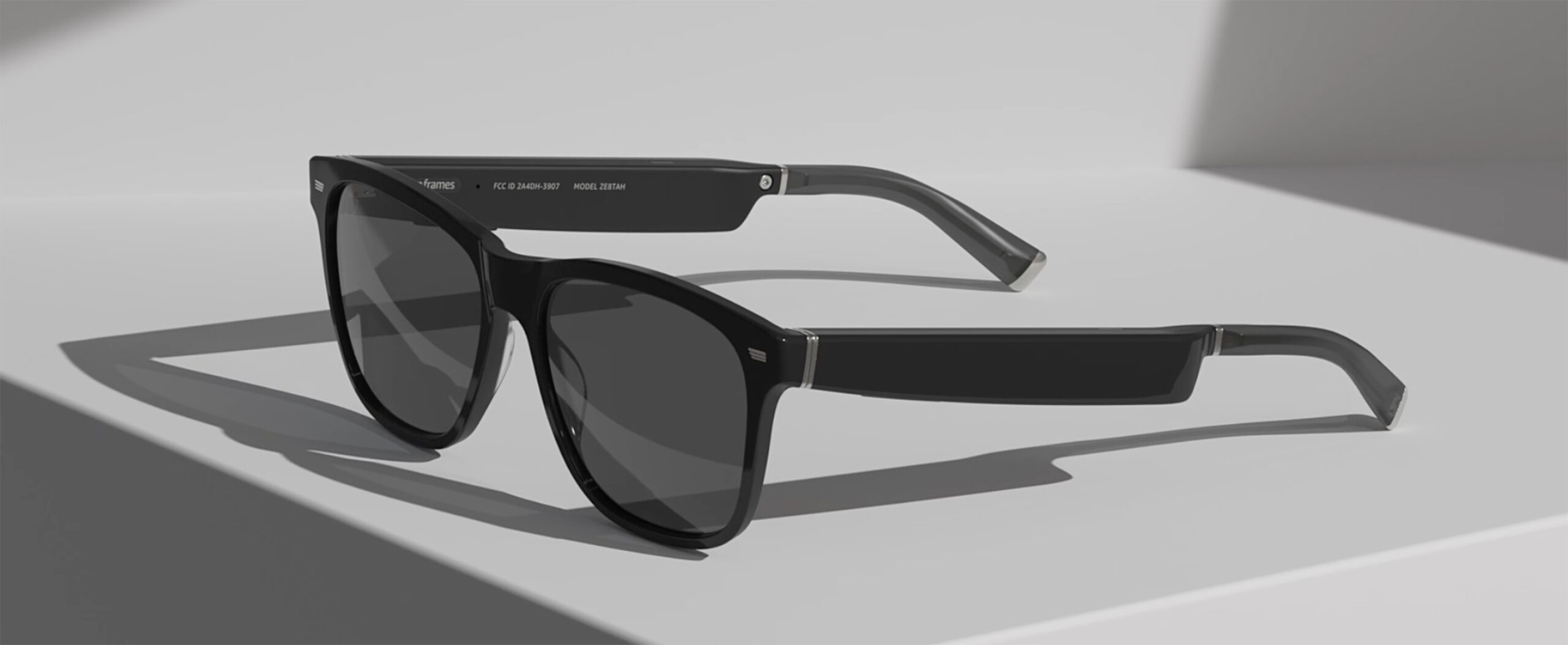
In conclusion, the Echo Frames and Carrera Smart Glasses present a sophisticated blend of cutting-edge technology and stylish design, offering users a hands-free and intuitive way to integrate Alexa into their daily lives. With a focus on comfort, customization, and practical features, these smart glasses cater to various needs, from entertainment and communication to smart home management. Whether adjusting the fit for optimal comfort, personalizing notifications, or seamlessly switching audio between devices, these tips aim to empower users to make the most of their smart eyewear experience. As technology continues to advance, these smart glasses exemplify the seamless integration of convenience and style, ushering in a new era of wearable intelligence that enhances, rather than complicates, our day-to-day routines.

