
HomeNewsTechnologyProduct Review: Timekettle WT2 Plus AI Translator

Product Review: Timekettle WT2 Plus AI Translator

follow us on Google News

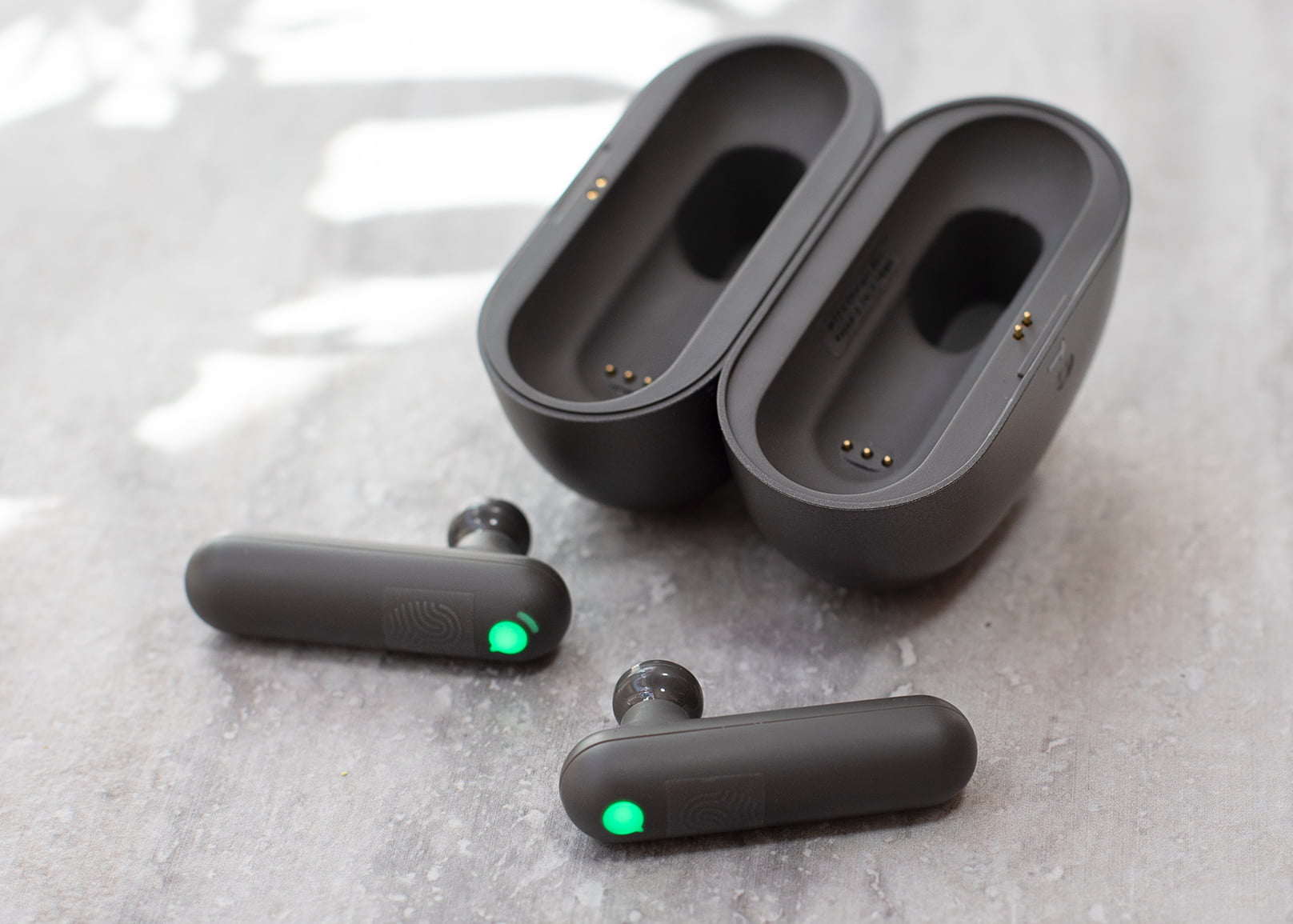
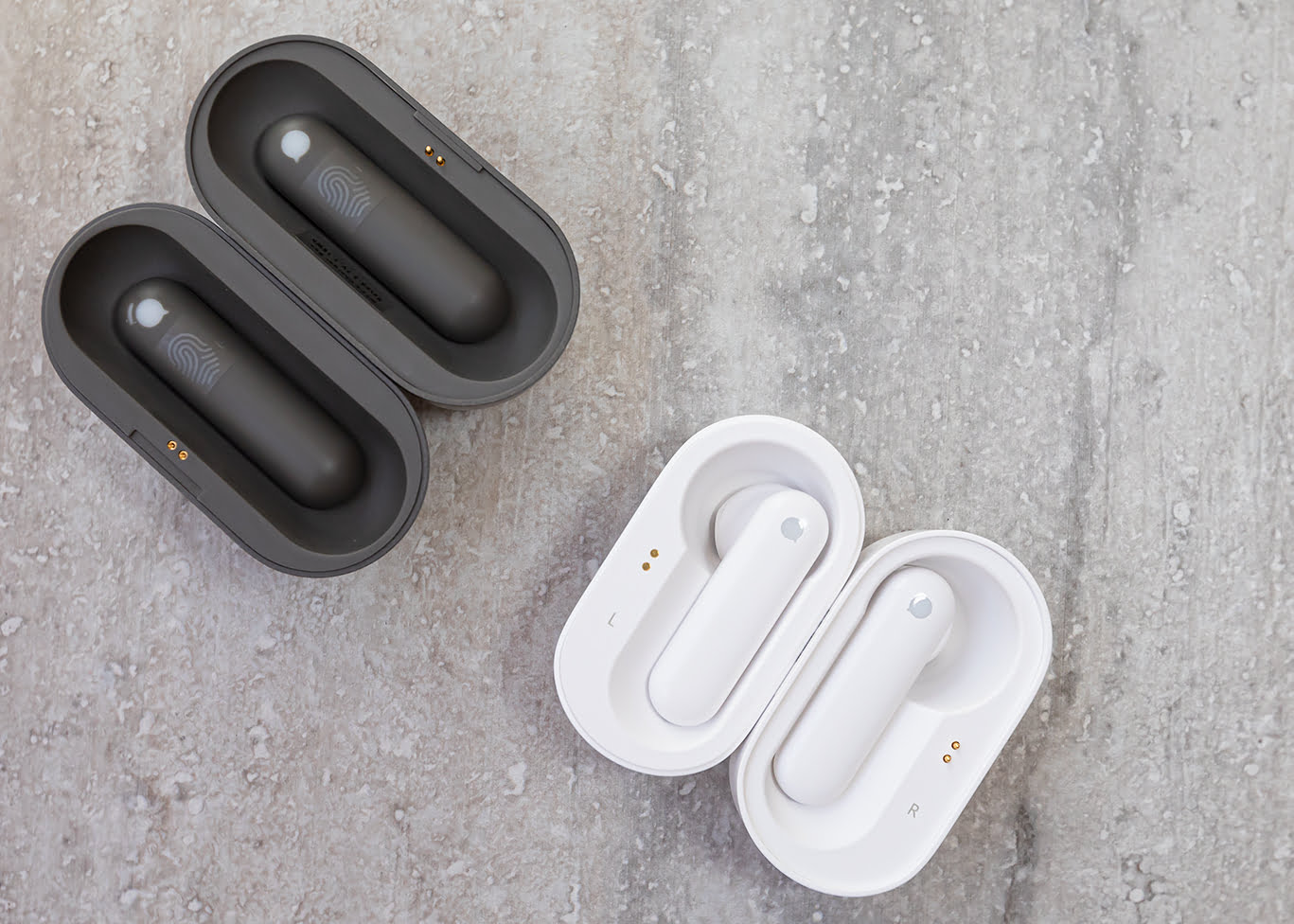
Timekettle WT2 Plus AI Translator is designed to ease communication between two people who don’t speak the same language.  It’s a translator that can help tourists and casual business travelers to communicate at a foreign country. 
Timekettle WT2 Plus AI Translator (Julie Nguyen/SNAPTASTE®)
Timekettle WT2 Plus AI Translator (Julie Nguyen/SNAP TASTE®)

To use the translator, you’ll need to install the Timekettle app and it is available for free on both iOS and Android devices. Once the app is installed, you will be asked to create an account.  Once the account is created, you will log in and select “WT2 Plus.”  Make sure to turn on your Bluetooth connection.
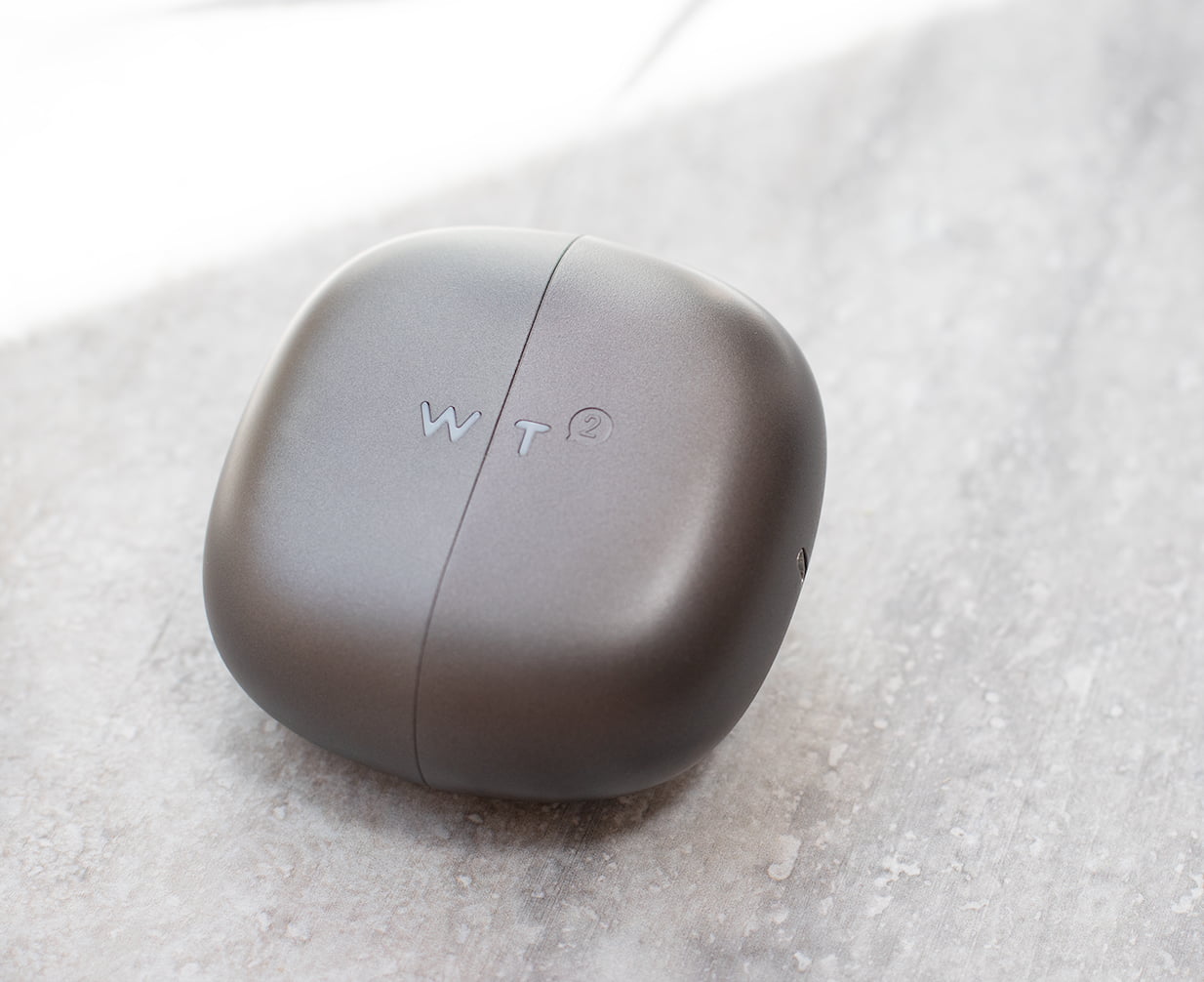
Timekettle WT2 Plus AI Translator case (Julie Nguyen/SNAPTASTE®)
Timekettle WT2 Plus AI Translator case (Julie Nguyen/SNAP TASTE®)

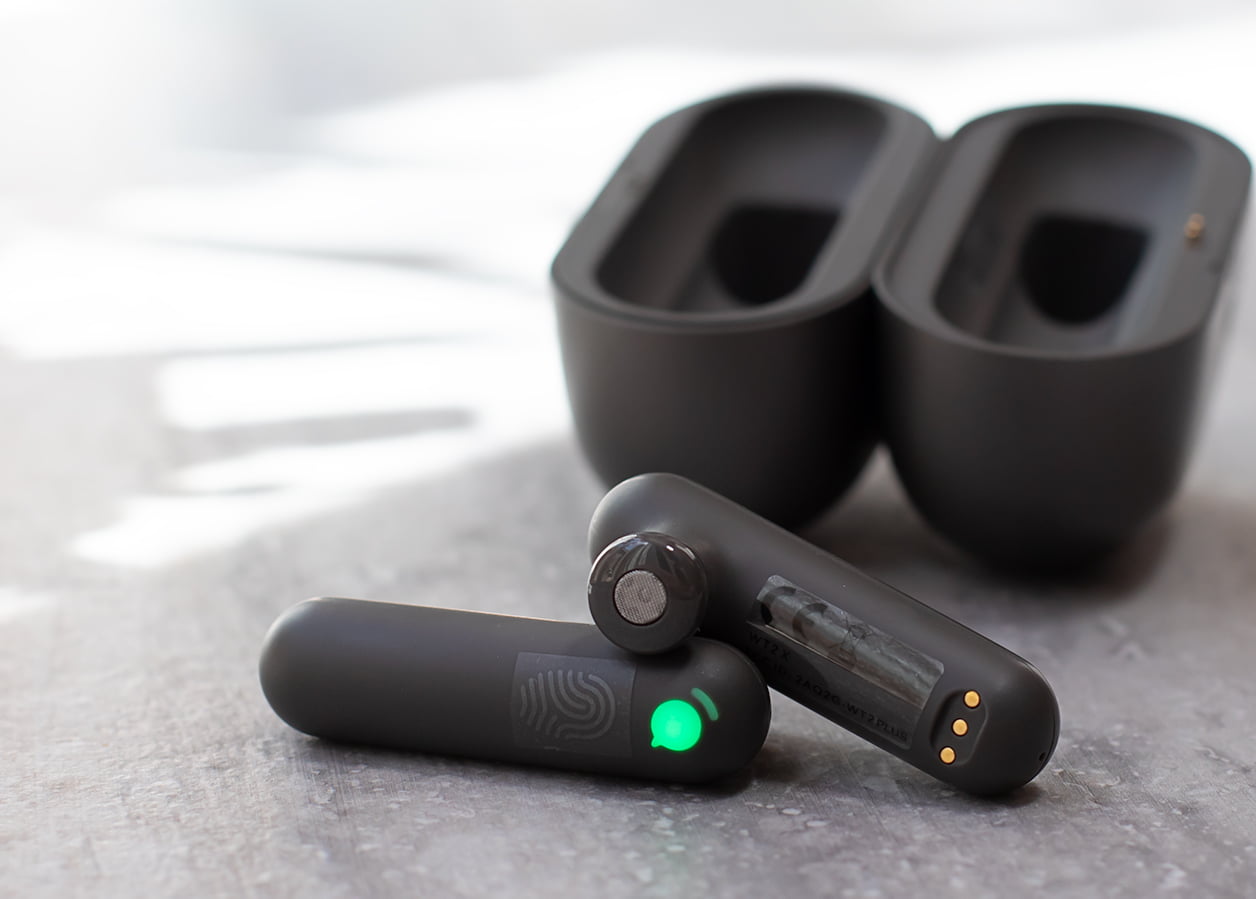
Next, remove both of the devices from the charging case.  Once you remove them, you will see the device icons on the screen.  
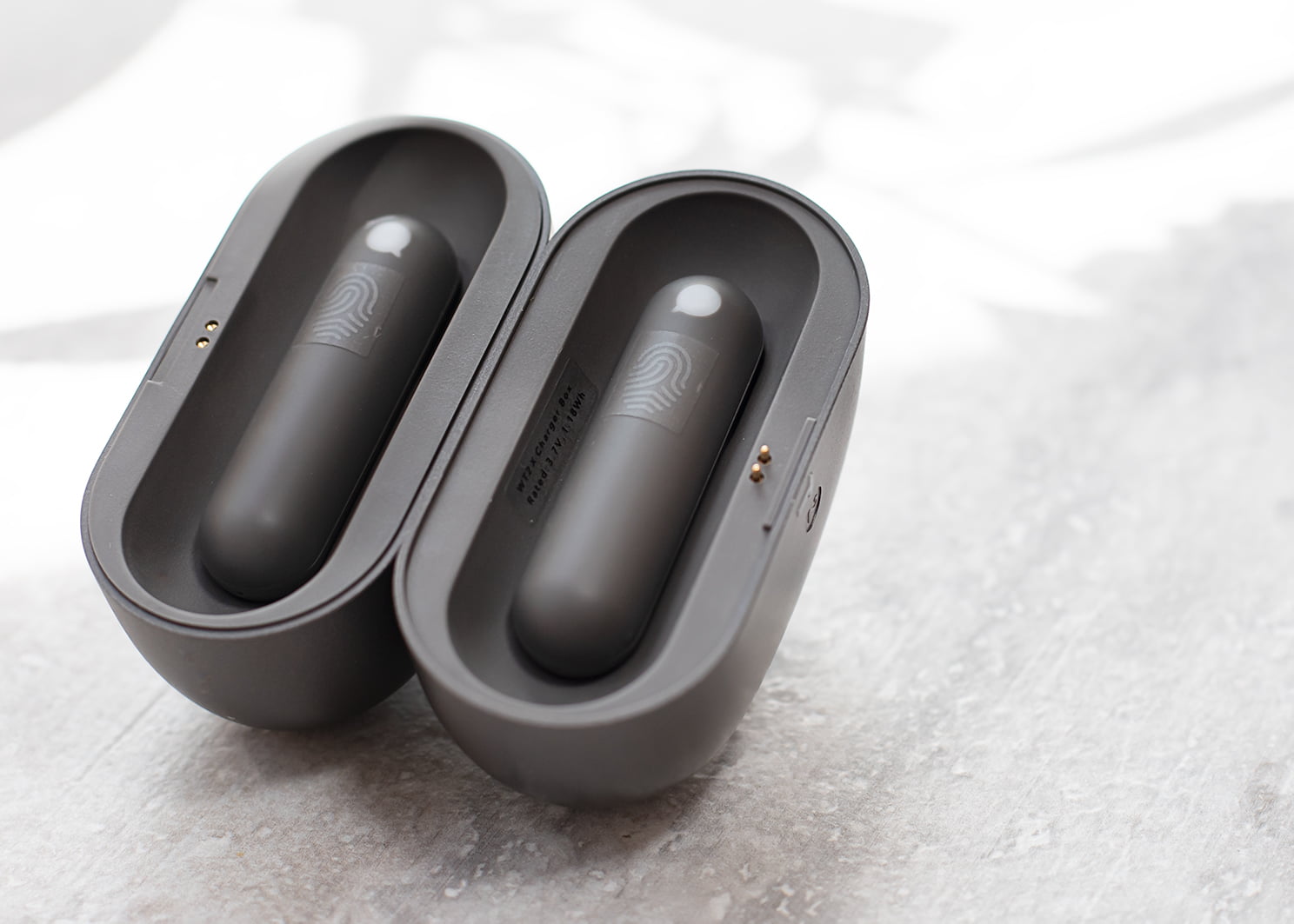
Timekettle WT2 Plus AI Translator case (Julie Nguyen/SNAPTASTE®)
Timekettle WT2 Plus AI Translator case (Julie Nguyen/SNAP TASTE®)

Tap on the blue Bluetooth icon located on the right side of the screen to connect.  Once you tap it, the device icon on the screen will change from grey to green.  Green means the device is connected.  Tap on “Confirm” to go to the next step.  You will then see a translator screen will pop up.  From there, you will be able to select different modes and languages.
Ads
Top: Timekettle WT2 Plus AI Translator, Bottom: Timekettle M2 Language Translator (Julie Nguyen/SNAPTASTE®)
Top: Timekettle WT2 Plus AI Translator, Bottom: Timekettle M2 Language Translator (Julie Nguyen/SNAP TASTE®)

Unlike Timekettle M2 Language Translator, this device is made for translation purpose only, not for mobile phone calls and/or music. See the size comparison photo below.
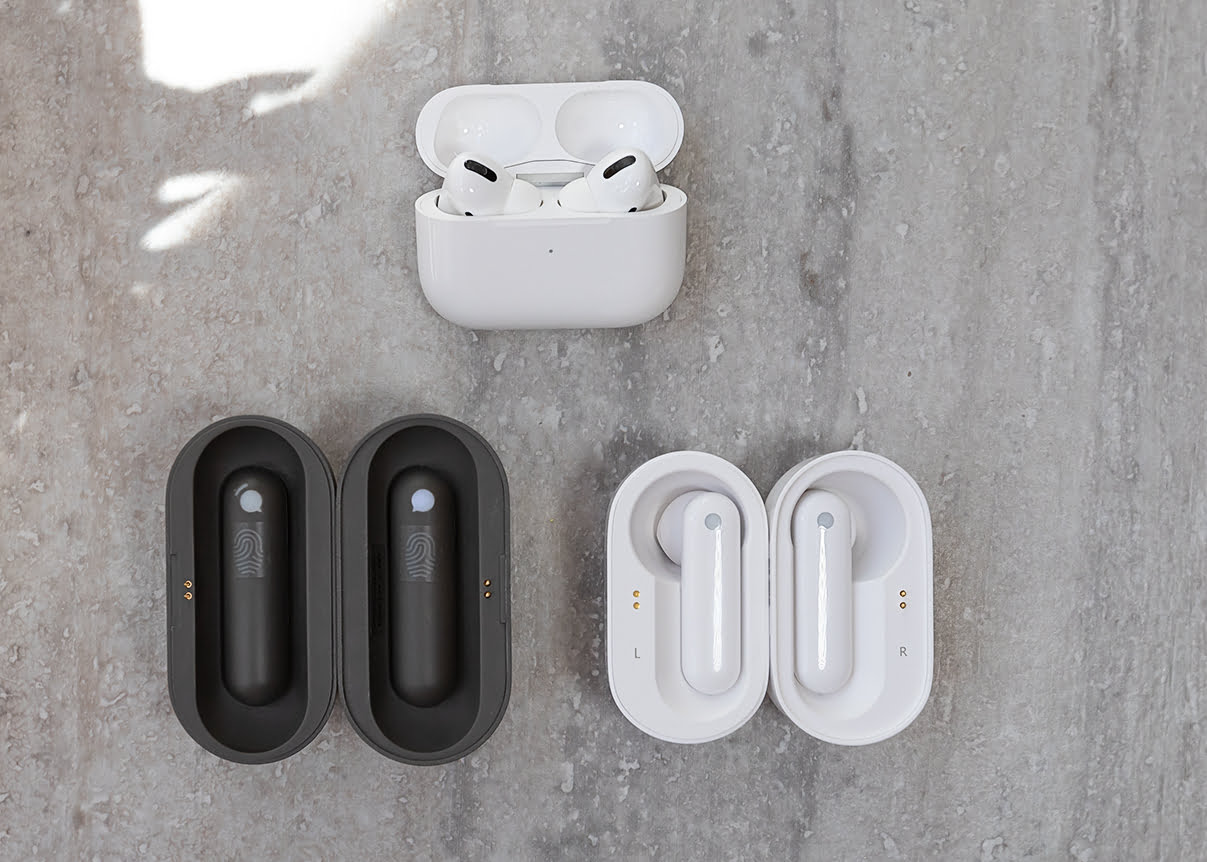
  • Top: Apple Airpods Pro; Bottom Left: Timekettle WT2 Plus AI Translator; Bottom Right: Timekettle M2 Language Translator (Julie Nguyen/SNAPTASTE®)
  • Top: Timekettle M2 Language Translator; Bottom: Timekettle WT2 Plus AI Translator Earbuds (Julie Nguyen/SNAPTASTE®)

Review

I tested on three different languages: Vietnamese, Chinese, and Spanish.  The translation for all three languages worked fantastic. Since WT2 Plus was designed for translation purpose only, it was more accurate when compared with the Timekettle M2 Language Translator.
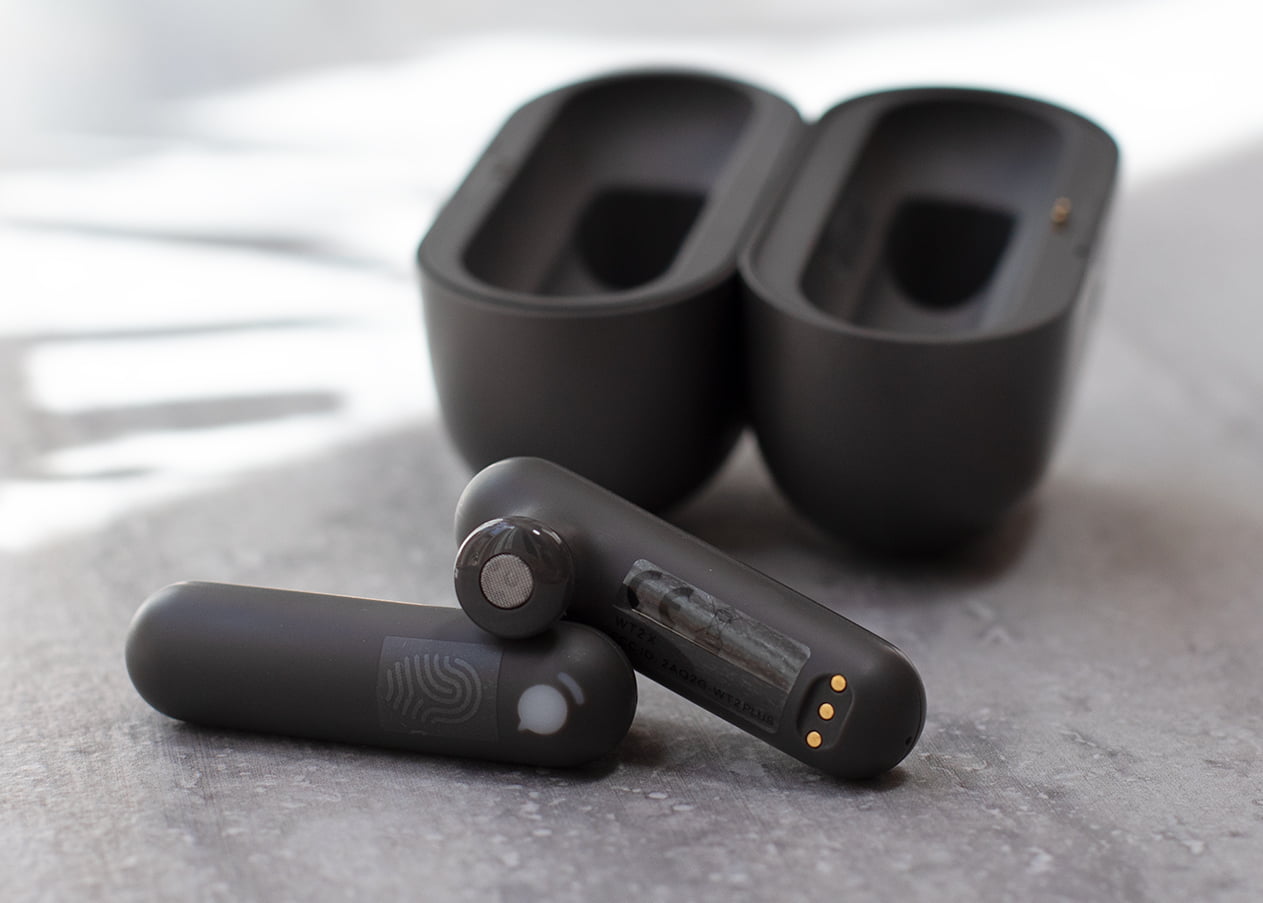
Timekettle WT2 Plus AI Translator (Julie Nguyen/SNAPTASTE®)
Timekettle WT2 Plus AI Translator (Julie Nguyen/SNAP TASTE®)

When using the device, you must find a place with less background noise and good internet connection as it could affect the accuracy of the translations.  It also has a speaker mode that will allow you to use the app on your phone to translate to others.  You can use this mode to translate and not having to share the other earpiece to a stranger.  Overall, the device is very easy to use and come in handy when you are traveling.  Highly recommended this for travelers when travel abroad.  It is also a great device to learn another language.

Tips:  

Use the ear hook to keep it in place. 

Other Notes:

Ads

The earbuds will shutdown automatically when you put them back to the charging case.  The LED indicator will flash while at charging, and disappear at full charge.  Charging case will take approximately 90 minutes for full recharge, even with the earbuds.  

Lights indicator on the devices:

  • Blue – firmware upgrading
  • Red – Low Battery
  • Green Flash – ready to connect
  • Green Solid – Connected
  • White Solid – earbuds charging
  • Lights indicator on the charging case:
  • Solid – fully charged
  • Quick flash x4 – 90% charged
  • Quick flash x3 – 75% charged
  • Quick flash x2 – 50% charged
  • Quick flash – 25% charged
  • No flash – No battery

In the box: charging case, earmuff, charging cable, ear hook, manual, host device and guest device.  

The system requirements are Android 7.0/i.OS 11.0 and above, Bluetooth 4.2 and above.

Product Link: https://amzn.to/35u5onh

Julie Nguyen
Julie Nguyen

Julie is the founder of SNAP TASTE and a driving force in global storytelling, innovation, and creative leadership. A respected member of the Harvard Business Review Advisory Council, she also serves as a judge for the CES Innovation Awards (2024, 2025, and 2026), bringing her perspective to the intersections of business, culture, and breakthrough technologies.

Her immersive reporting has taken audiences behind the scenes of defining world moments, from the FIFA World Cup Qatar 2022 and Expo 2020 Dubai to CES, D23 Expo, and the Milano Monza Motor Show. Through her lens, global events become intimate, human stories.

An accomplished film critic and editorial voice, Julie has built a reputation for reviews that go beyond analysis, finding the heartbeat within the frame. Her work on National Geographic documentaries and other cinematic works speaks to audiences who believe that great storytelling has the power to shift perspectives and expand the world.

At the heart of everything Julie does is a belief that art, technology, and culture are not separate conversations. She has spent her career proving they never were.

Ad

Leave a Reply

More to Explore

AI Won’t Replace the 3D Artist, But It Will Change How They Work

For years, 3D artists have carried the same quiet burden: the gap between an idea and the finished model is long, tedious, and full...

Inside IFA Berlin 2026: AI Moves From Feature to Foundation of the Smart Home

IFA Berlin, one of the largest events in the world for consumer electronics, home appliances, and future tech, spent its opening days making one...

Google’s Gemini 3.8 Flash arrives with a cybersecurity sibling built for autonomous patching

Google is not slowing down. On September 2, 2026, the company rolled out Gemini 3.8 Flash, a new entry in its Flash lineup that...

Closed-Loop Cooling Explained: How Meta, Google, and Microsoft Are Solving AI’s Water Problem

The rack that used to need a wall of fans now needs plumbing. That is the short version of what has happened inside Meta's...

Google Flow gets a serious upgrade with Gemini Omni 1.1 Flash

Google is giving its AI filmmaking tool another major push forward. At its I/O developer conference earlier this year, the company introduced Gemini Omni...

Apple’s New Mac Mini Gets a Major AI Upgrade With M6 and M5 Pro Chips

Apple has unveiled a refreshed Mac mini, and the headline story is a big one for anyone who cares about on device AI performance....

Mac Studio Gets M5 Ultra, Thunderbolt 5, and Up to 512GB of Memory for Local AI

Apple's latest Mac Studio refresh lands as one of the more substantial internal updates the machine has seen since it first launched, and the...

Blender 5.2 LTS Features Guide: Node Editor, Outliner, and Interface Changes Explained

Blender 5.2 LTS shipped on July 14th, 2026, and it is not the modest interface polish pass the original document made it out to...

Blender Basics: The Beginner Guide Nobody Handed You

Okay, so you downloaded Blender. Good. That already puts you ahead of most people who talk about wanting to make 3D art and then...

Unity 7 Is Coming, and It’s Rethinking How Games Get Made

Game development has quietly become a team sport that includes AI. Studios of every size are now mixing human designers, artists, and producers with...

Red Dot Names Its 2026 Best of the Best: What the Winners Say About Where Design Is Headed

Essen doesn't usually make headlines, but for one night every year, the German city becomes ground zero for the design world. On July 7,...

From Pixels to the Body: Inside Midjourney’s Surprise Leap Into Medical Hardware

Midjourney has spent four years training the public to think of it as a company that turns text prompts into pictures. This week the...

Handpicked for You

You Might Also Like