


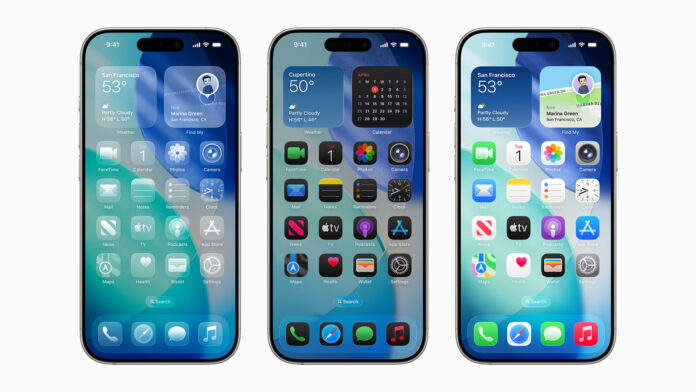

Apple has previewed iOS 26, a significant update that introduces a refined design, intelligent features, and enhancements across the apps users rely on daily. The update provides a visually striking experience while preserving the familiar aspects of iOS. Privacy remains central to the update, with Apple Intelligence becoming more advanced. Key improvements include updates to the Phone and Messages apps that help users stay connected while reducing distractions from unwanted calls. Additionally, iOS 26 introduces new features in CarPlay, Apple Music, Maps, Wallet, and a new app, Apple Games, which serves as a unified hub for all games.
Craig Federighi, Apple’s senior vice president of Software Engineering, highlighted the update’s appeal, stating, “iOS 26 shines with the gorgeous new design and meaningful improvements to the features users rely on every day, making iPhone even more helpful. Experiences are more expressive and personal, from the Lock Screen and Home Screen, to new capabilities across Phone and Messages that help users focus on the connections that matter most. And with powerful new Apple Intelligence capabilities integrated across the system, users can get things done easier than ever.”
New Design Aesthetic and Features
The update’s design brings a more expressive and engaging experience across iOS. One notable feature is Liquid Glass, a new translucent material that creates a dynamic visual effect by reflecting and refracting its surroundings. This enhances user interaction with controls, app icons, widgets, and more, while maintaining a familiar aesthetic. The new design also extends to the Lock Screen and Home Screen, providing more customization options, such as clear app icons and widgets. The Lock Screen features a fluid time display that adapts to available space in images, and spatial scenes offer a 3D effect that responds to movement.
Apps have also been updated with more streamlined and immersive layouts. The Camera app now provides a more focused experience, while the Photos app separates Library and Collections views for easier navigation. Safari allows users to view web pages in a more expansive format, with content flowing from top to bottom while still providing easy access to essential actions like refresh and search. Apple Music, News, and Podcasts feature a redesigned tab bar that dynamically changes size based on user activity, putting content front and center.
For developers, an updated API grants access to Liquid Glass materials, allowing third-party apps to adopt the same fluid, dynamic design.

Apple Intelligence Enhancements
Apple Intelligence is a cornerstone of iOS 26, offering new capabilities that improve user efficiency and communication. Live Translation is integrated into Messages, FaceTime, and Phone, allowing users to translate text and audio conversations on the fly. These models run entirely on-device, ensuring privacy for personal communications.
Visual intelligence also enhances the user experience by enabling on-screen searches. Users can ask questions about what they’re viewing and use apps like ChatGPT, Google, or Etsy to find related images and products. Additionally, when a user is looking at an event, Apple Intelligence will suggest adding it to the calendar with relevant details such as date, time, and location.
Genmoji and Image Playground further expand self-expression by allowing users to combine emojis and descriptions to create unique visual representations. Shortcuts are now more intelligent, with new actions enabled by Apple Intelligence, including features like Writing Tools and Image Playground.
In a bid to enhance organization, Apple Intelligence can automatically identify order tracking details from emails and consolidate them into a single, accessible view, even for non-Apple Pay purchases. A new Foundation Models framework also gives developers access to on-device intelligence, which is fast, privacy-focused, and available offline, all without incurring additional costs.
Improved Communication and Focus Features
The Phone app now features a unified layout for Favorites, Recents, and Voicemails, streamlining the user experience. Call Screening, which builds on Live Voicemail, allows users to screen calls, gather details, and decide whether to answer or ignore. Hold Assist notifies users when a live agent is available, helping users manage time spent on hold.
In Messages, iOS 26 introduces a new feature that screens messages from unknown senders, placing them in a separate folder. Users can choose to mark the sender as known, request more information, or delete the message. These messages remain silenced until accepted by the user. Enhancements also include custom backgrounds and the ability to create polls. Apple Intelligence can even suggest polls when necessary, and users can create custom backgrounds through Image Playground. Group chats now support typing indicators, as well as the ability to request, send, and receive Apple Cash.
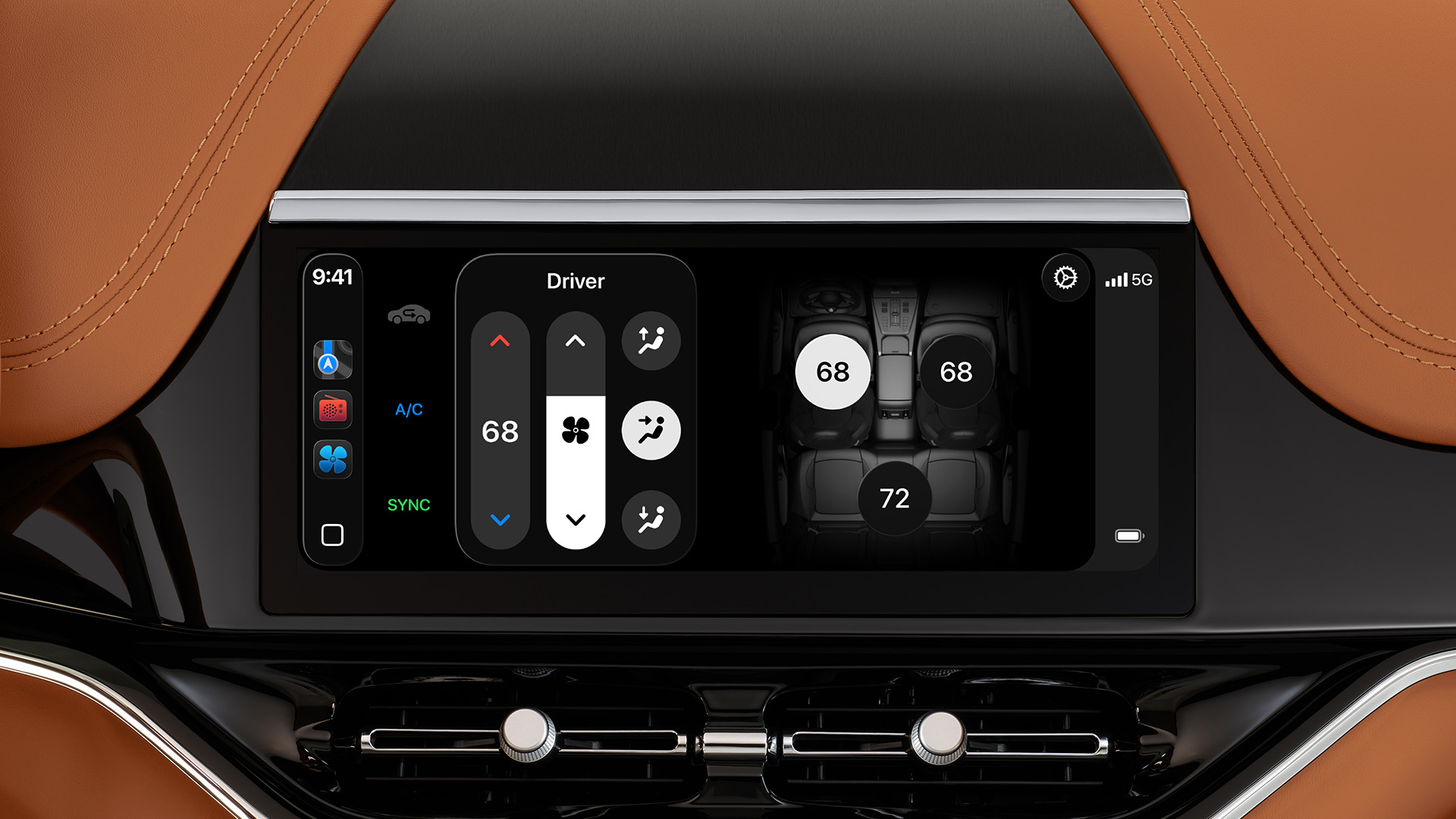
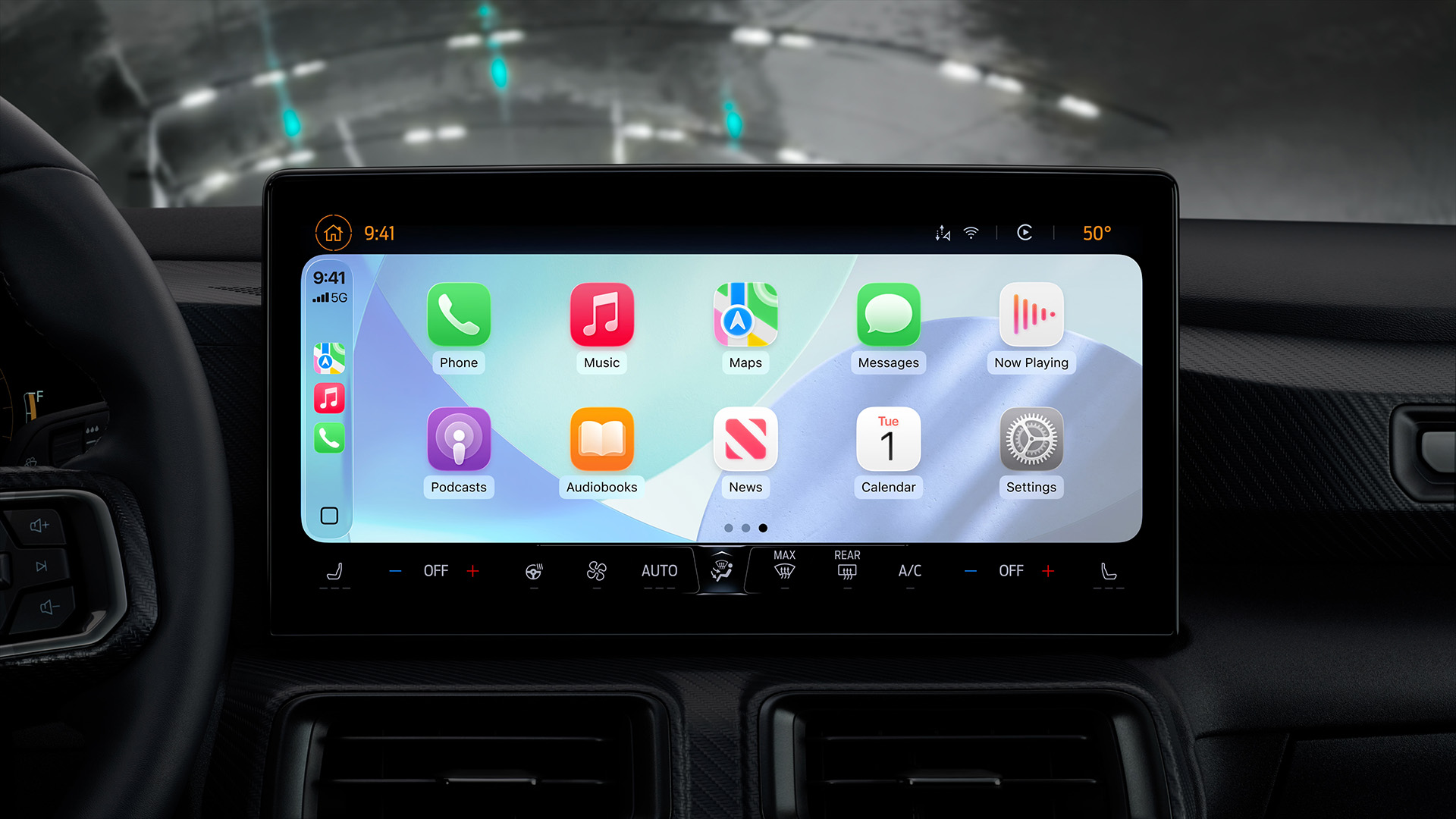
CarPlay also benefits from these updates, offering a new compact view for incoming calls, which allows users to view essential call details alongside navigation information. Other new features include Tapbacks, pinned conversations, and widgets in CarPlay, as well as Live Activities to keep users informed without distracting them from the road. These enhancements extend to CarPlay Ultra, which provides a unified experience across all screens in the car.
Enhanced Apple Music, Maps, and Wallet Features
Apple Music introduces Lyrics Translation, which helps users understand the lyrics of their favorite songs in different languages. Lyrics Pronunciation assists users in singing along, regardless of language. AutoMix, powered by intelligence, transitions seamlessly between songs, much like a DJ.
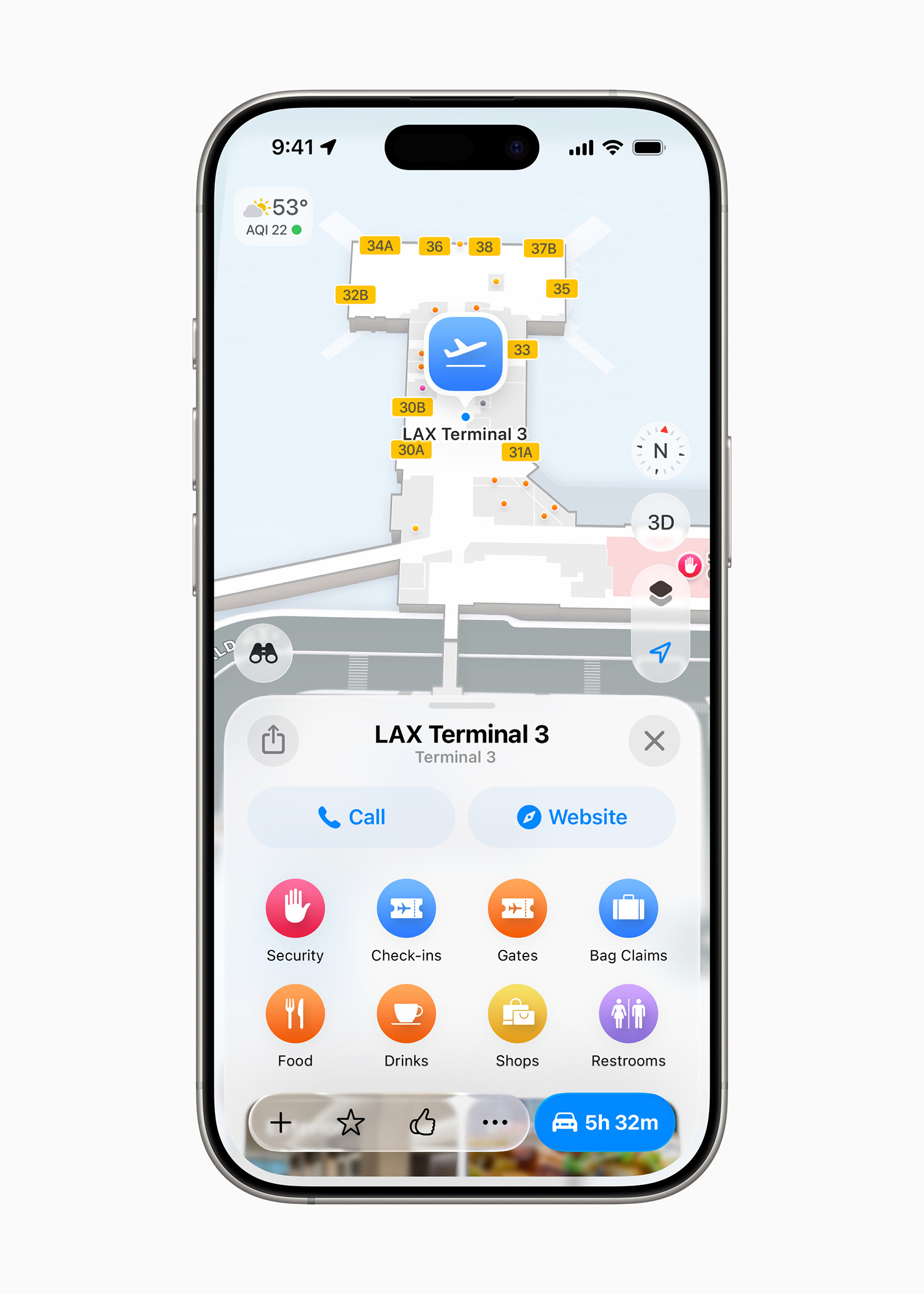
In Apple Maps, users can now track their “Visited Places,” such as restaurants and shops, with end-to-end encryption ensuring privacy. Additionally, on-device intelligence helps predict a user’s preferred route and notify them of delays, offering alternate routes when necessary.
Wallet has been updated to allow users to make in-store purchases using Apple Pay with installment or rewards options. Boarding passes in Wallet now feature Live Activities for real-time updates, and users can access important travel information such as airport navigation and baggage tracking.
Additional Features in iOS 26
A new app, Apple Games, provides users with a single destination for all their gaming needs. This hub allows users to keep track of game events, updates, and provides access to Apple Arcade, the subscription service offering over 200 games.
AirPods now offer new features, including studio-quality audio recording for iPhone, iPad, and Mac users. The camera remote function allows users to take photos or start video recordings remotely using the AirPods stem.
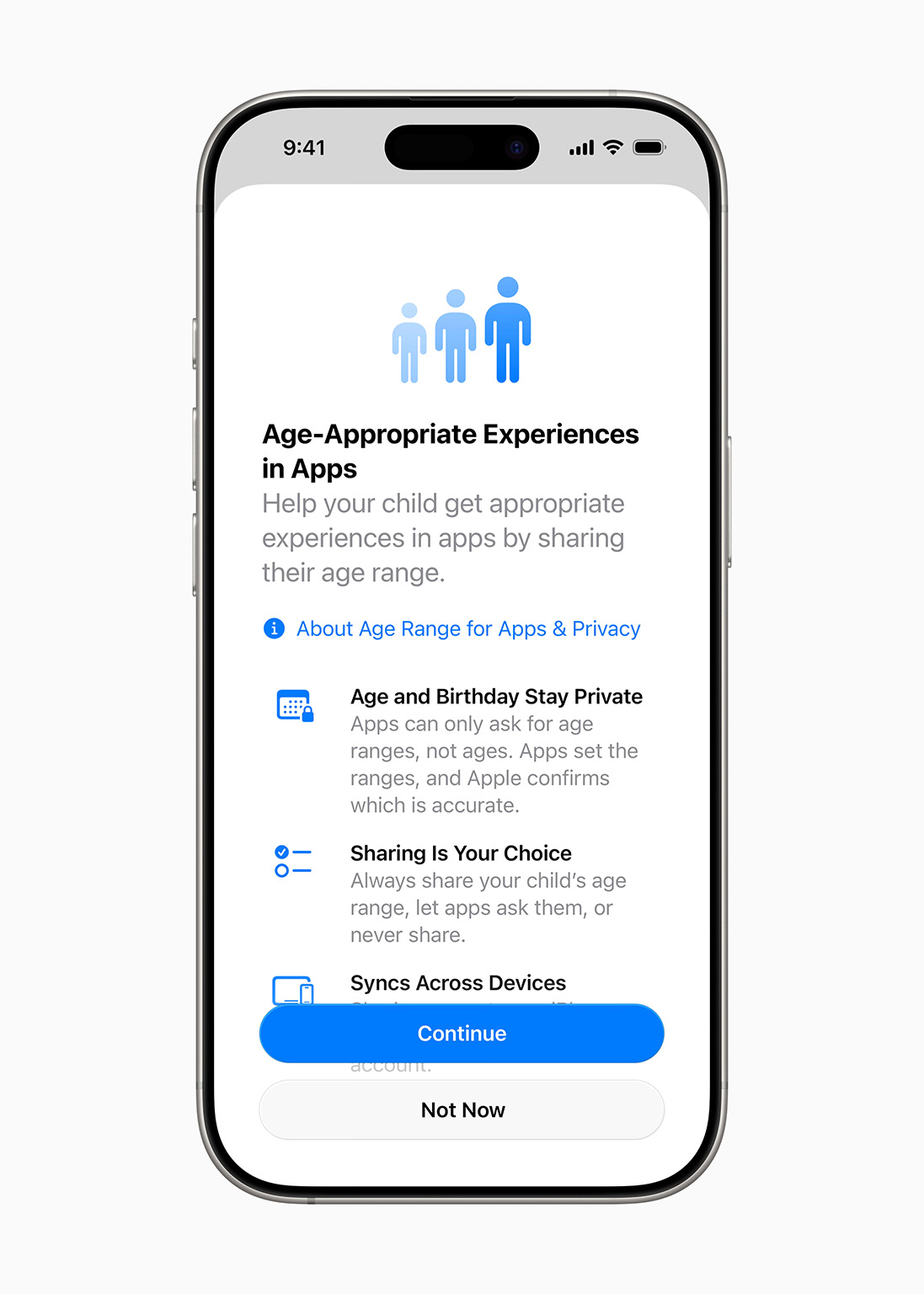
For parents, managing Child Accounts has become easier, with enhanced parental controls for Communication Limits, Communication Safety, and the App Store. This includes the ability to approve contact requests, blur sensitive content in FaceTime calls and Shared Albums, and set app download exceptions.
Privacy has been further bolstered with advanced fingerprinting protection in Safari, which is now enabled by default. The update also brings new accessibility features such as Accessibility Reader, an improved reading experience, and Braille Access, a new interface for iPhone devices with connected braille displays.
Overall, iOS 26 is packed with features aimed at improving the iPhone experience, from enhanced communication tools to more powerful intelligence-driven capabilities, all while maintaining a strong focus on privacy.